How GUTTR works.
Everything you need to turn a question into a comic people want to answer. Start with the Experiment Room or the Studio.
Quick start
1. Bring a drawing
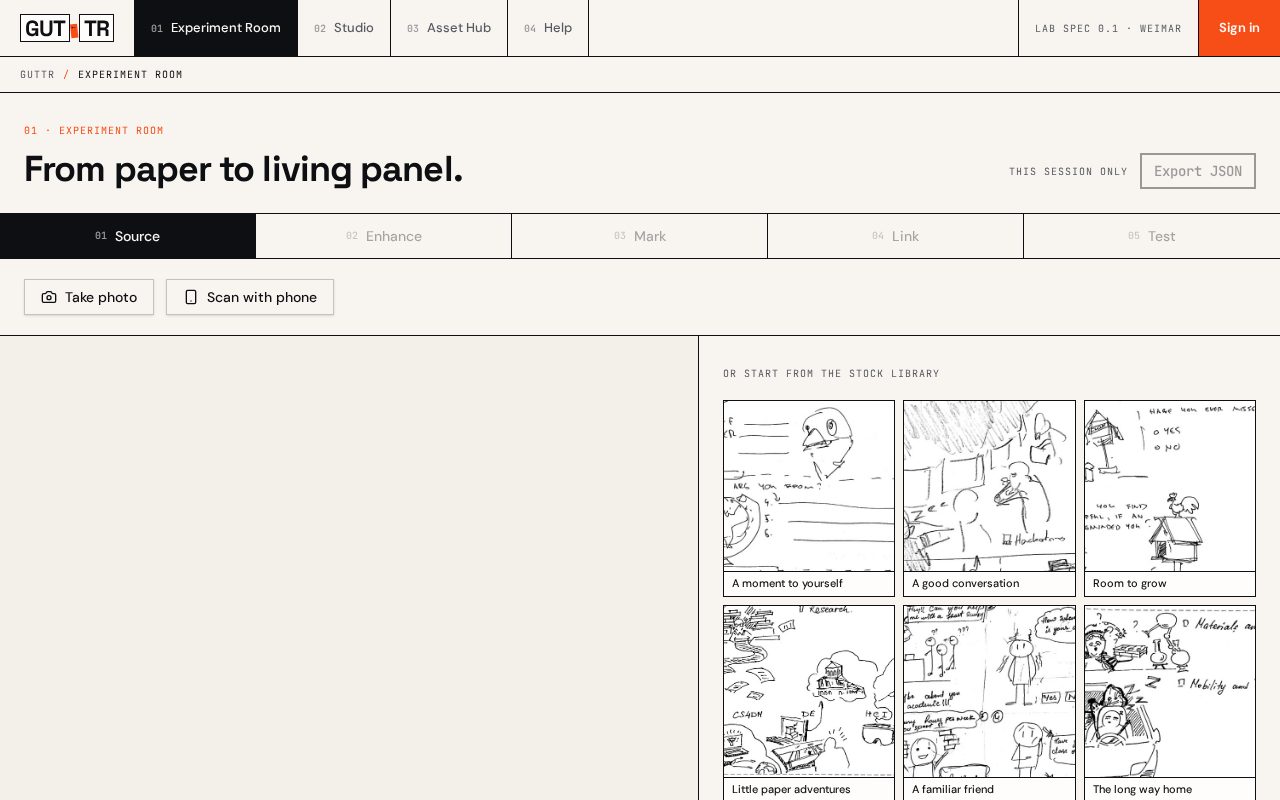
Open the Experiment Room and upload a paper scan, a photo of a workshop sheet, or a PNG/SVG.
2. Clean the ink
Raise contrast and darken lines so pencil and paper become crisp comic art. You can undo at any time.
3. Mark panels and hotspots
Draw boxes over the parts people should read or tap.
4. Link a way to answer
Attach tally, choice, scale, text or point to each mark, then test it live as a respondent.
Studio manual
Sequencing panels
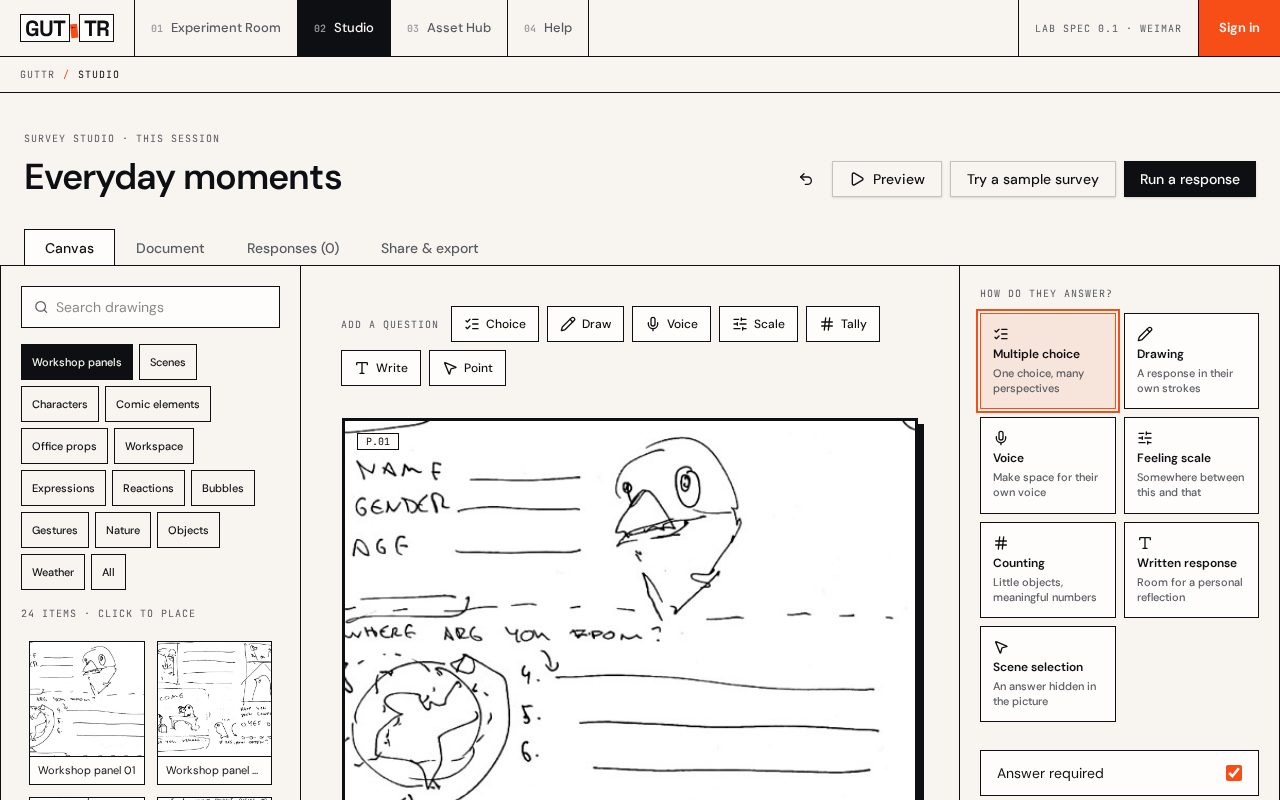
Add panels with the question bar. Use Earlier and Later in Canvas, or the arrows in Document, to change reading order.
Assets
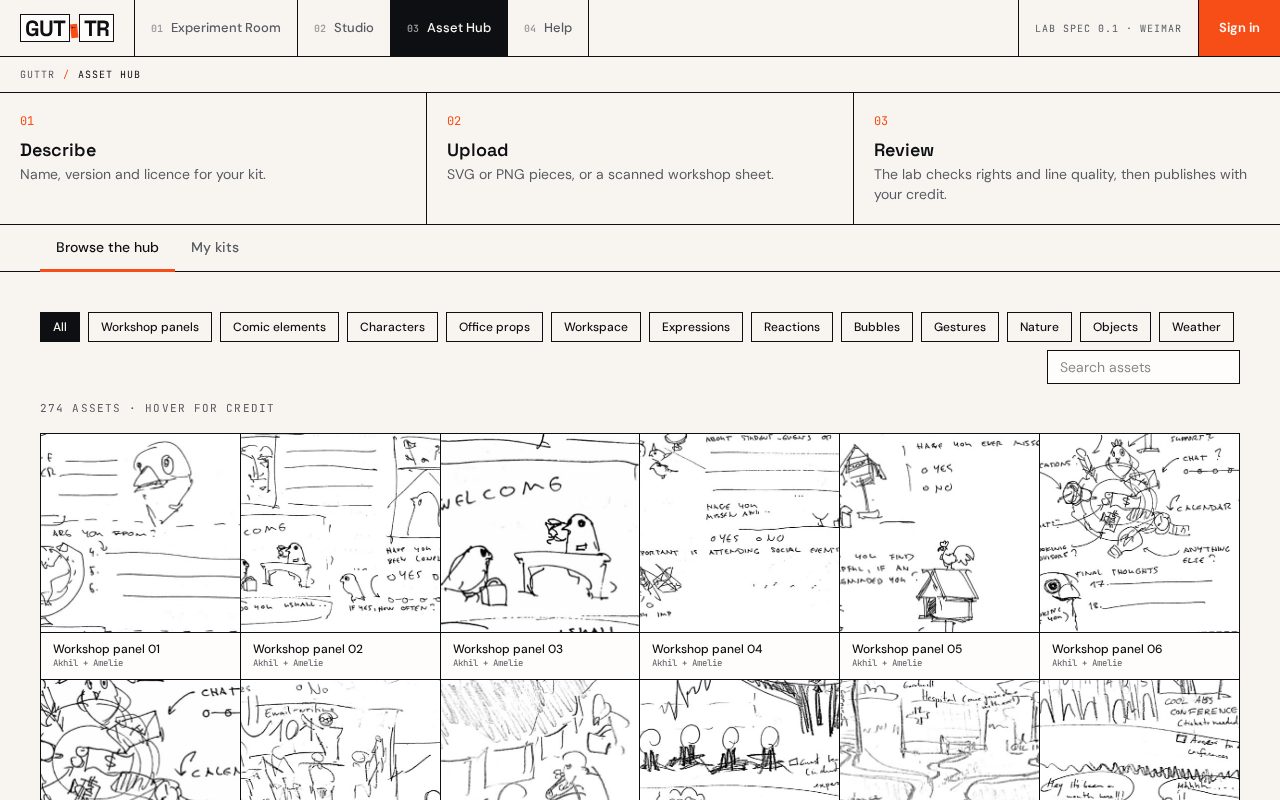
Pick characters, bubbles and stickers from the library on the left. Each keeps its licence and credit.
Ways to answer
Choose a response for each panel in the inspector on the right.
Saving
Work stays in this browser tab for now. Download the .guttr.json file to keep it, and import it later.
Running with respondents
Phones and tablets
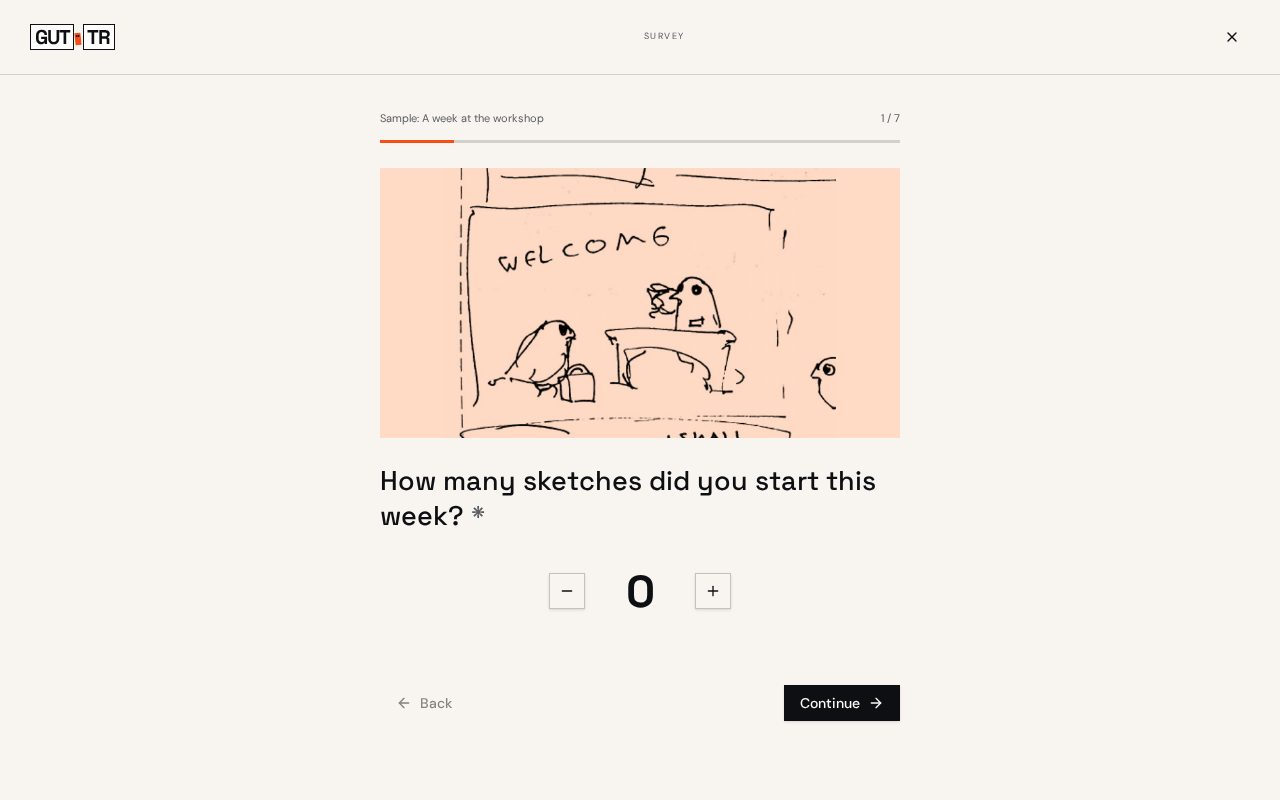
The preview is built for small screens first. Test it on a phone before a workshop.
Avoiding fatigue
Keep stories short: 5 to 8 panels. Mix playful answers (tally, weather) with quick ones (choice).
Live collection
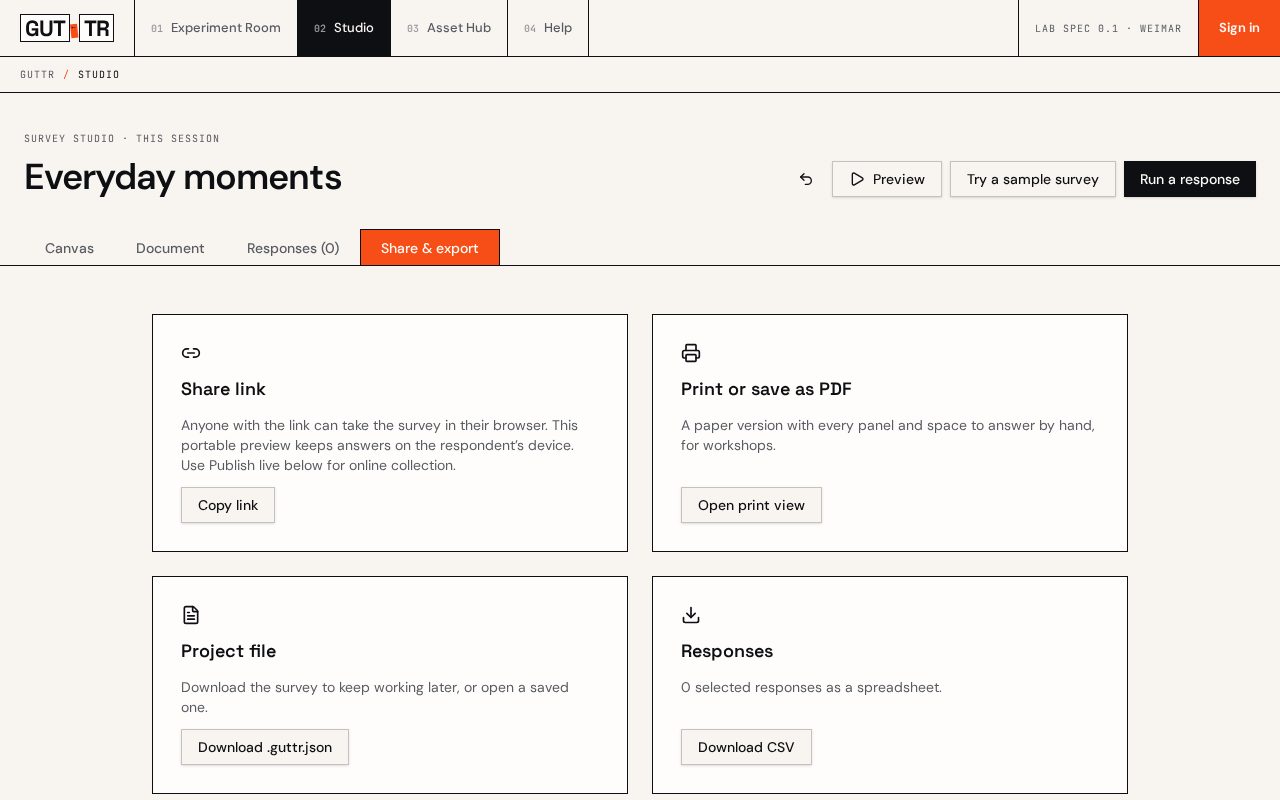
Sign in, then choose Publish live in Share & export. Share the hosted link with respondents. Online answers appear in Responses, separate from practice runs on this device. Publish updates after editing.
Downloads
Choose PNG, PDF in A4 or US Letter, SVG with embedded artwork, or a folding zine. Download response CSV or JSON separately.
Phone photos
In the Experiment Room, choose Scan with phone while signed in. Scan the QR code and use your phone camera or gallery. Send the photo to your computer before the ten-minute connection expires.
Contributing kits
What we accept
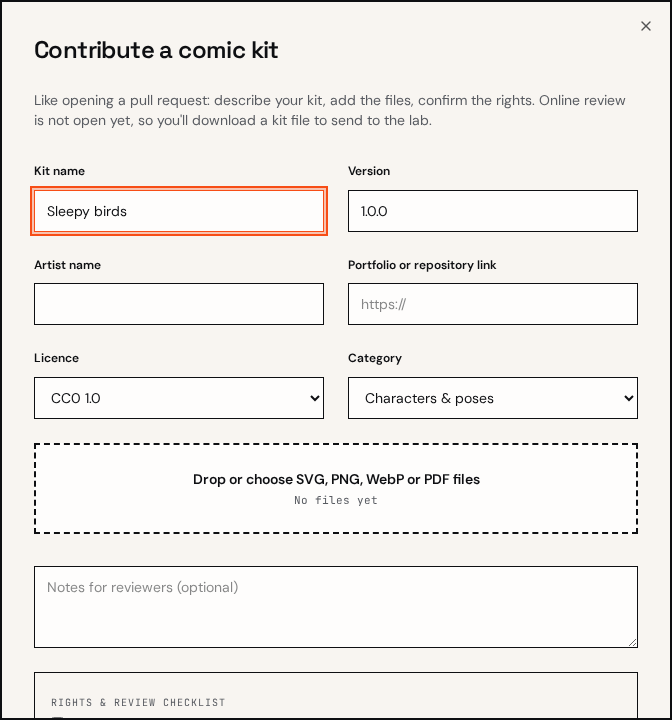
Original drawings or openly licensed work (CC0, CC BY, CC BY-SA). Never files taken from GIPHY or Lottie.
File spec
SVG preferred; PNG at 1024px or more with a transparent background. Dark lines, no drop shadows.
Credit
Your name, link and licence travel with every piece and show wherever it is used.
Glossary
- Gutter
- The space between panels. Readers fill it with meaning.
- Closure
- Scott McCloud's term for the mind connecting two panels into one moment.
- Diegetic answer
- An answer given inside the story world, like tapping an object in the scene.
- Non-diegetic answer
- An answer outside the story, like a classic slider beneath the panel.
- Kit
- A versioned set of assets by one artist, like a repository.